|
For the latest stable version, please use Unifly Services v4.8! |
Receive Alerts Example using MQTT Explorer
MQTT Connection Settings
Host: portal.demo.unifly.tech
Port: 8883
Protocol: MQTT v5.0
SSL/TLS: Enabled
Username: your-api-key
Password: your-api-key
|
Setup in MQTT Explorer
-
Create New Connection:
-
Click "Connections" → "Add Connection"
-
Enter the connection details as shown above
-
Enable SSL/TLS
-
Use API key for both username and password
-
-
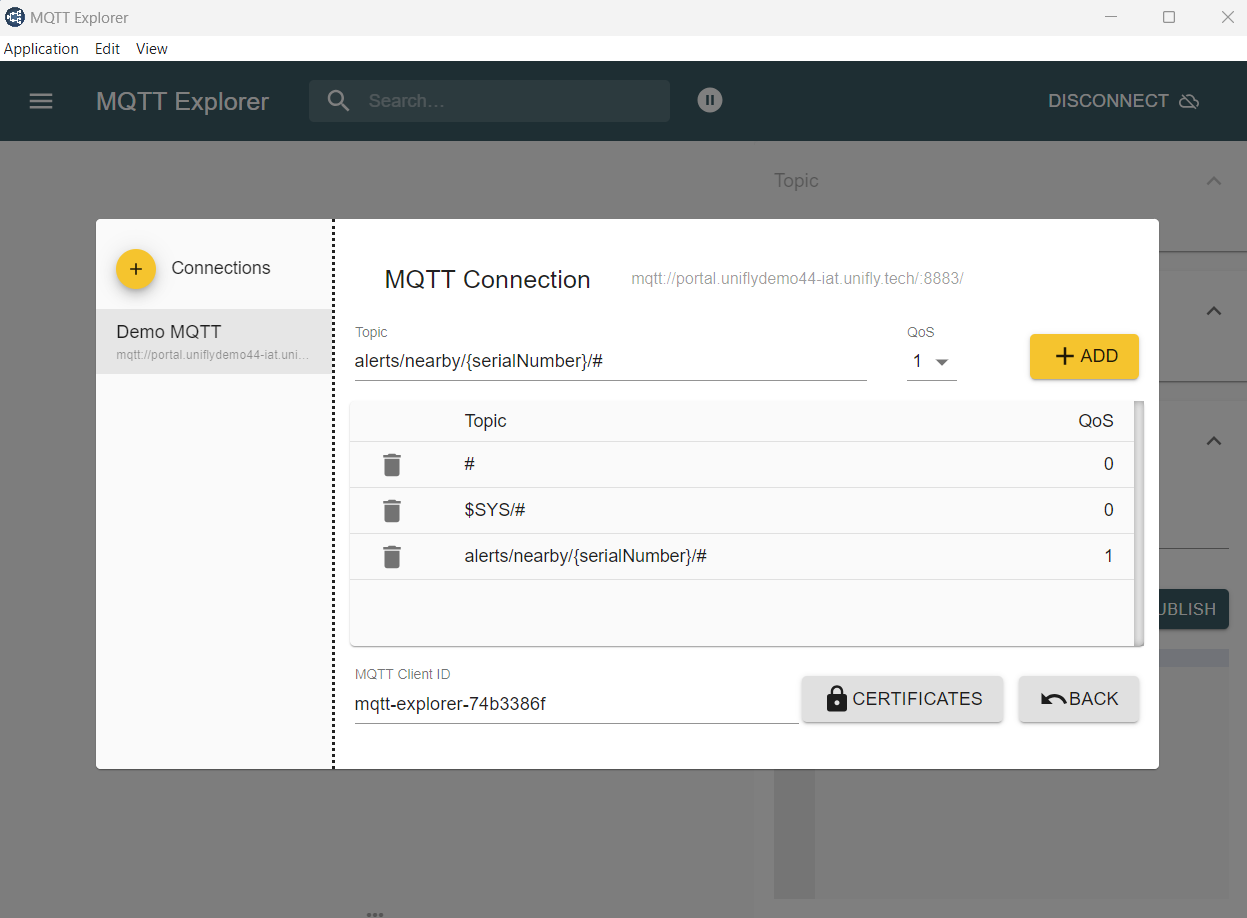
Click "ADVANCED" to add subscription topics:
-
Enter
alerts/nearby/{serialNumber}/#in topic field -
QoS level should be 1
-
Click "ADD"
-
|
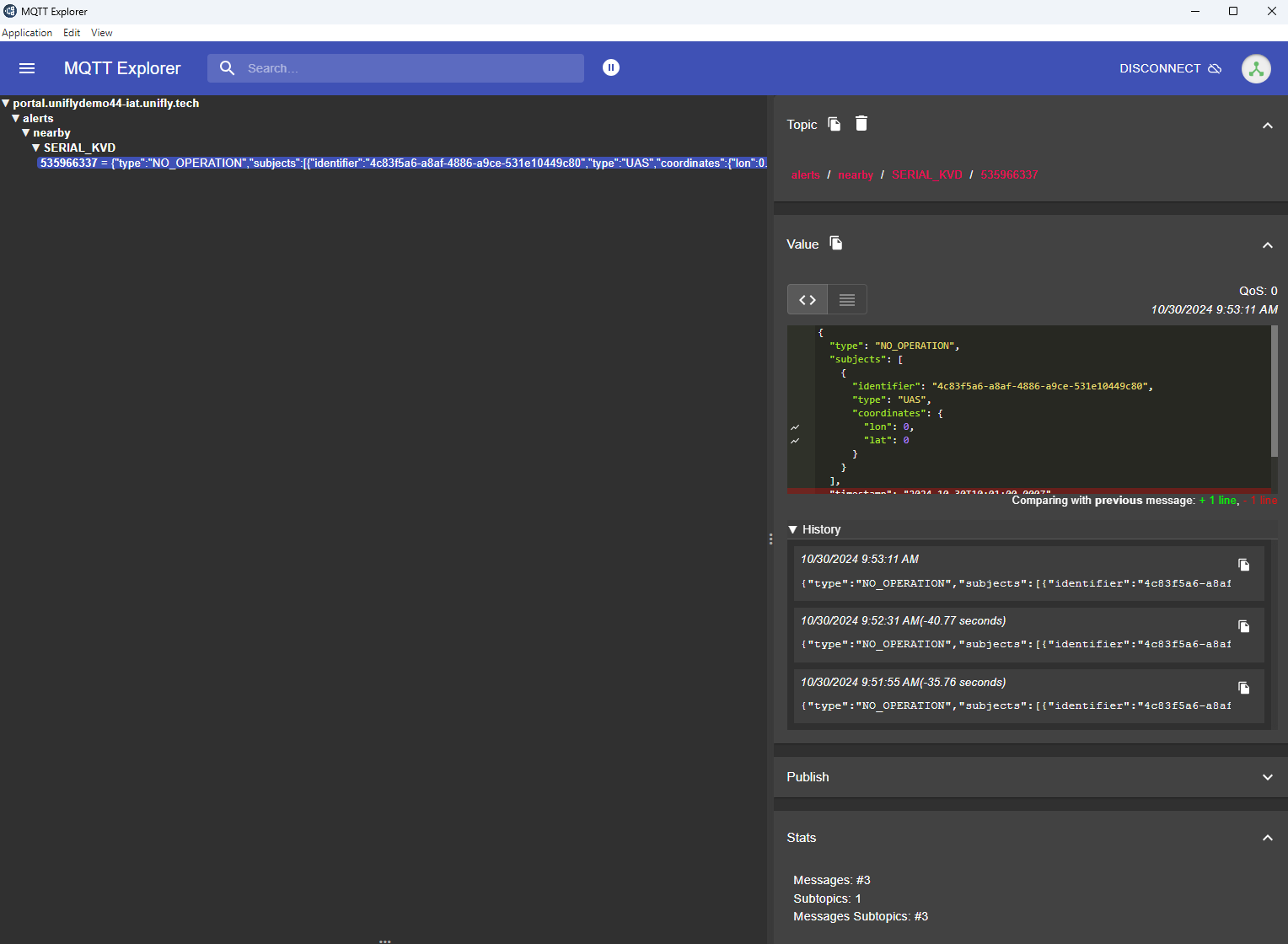
Alert Message Types
Collision Alert
Topic: alerts/nearby/{serialNumber}/{alertId}
API Documentation: receiveNearbyAlerts Operation
Example message:
{
  "type": "UAS_COLLISION",
  "level": "CRITICAL",
  "subject": {
    "uniqueIdentifier": "DRONE123",
    "type": "UAS",
    "position": {
      "longitude": 4.358804,
      "latitude": 50.954191
    }
  },
  "relatedSubject": {
    "uniqueIdentifier": "DRONE456",
    "type": "UAS",
    "position": {
      "longitude": 4.358904,
      "latitude": 50.954291
    }
  },
  "timestamp": "2024-01-23T10:00:00Z"
}